
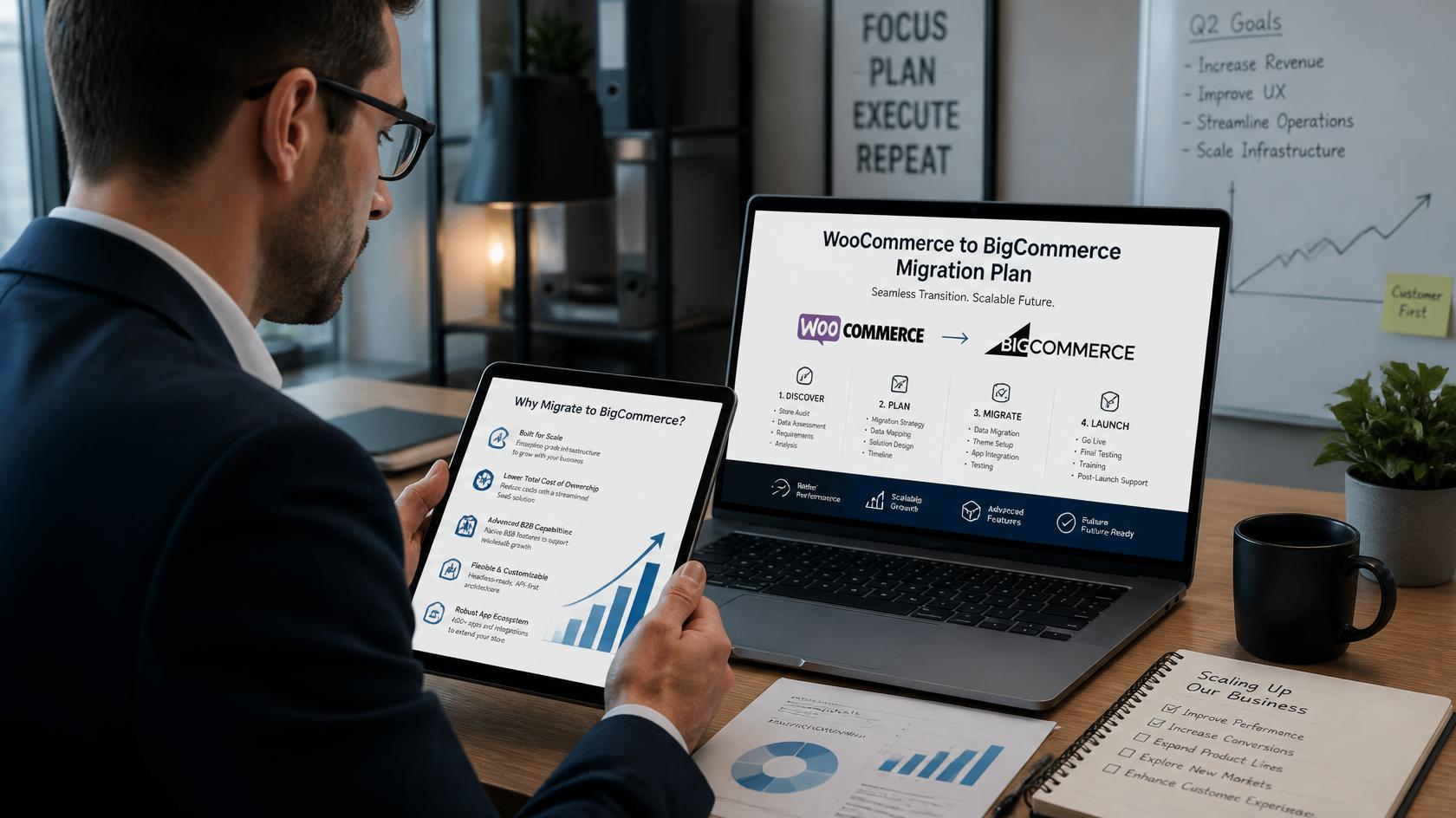
The right time for a WooCommerce to BigCommerce migration is when your store hits performance bottlenecks due to database bloat, requires enterprise-grade multi-channel sales, or faces high maintenance costs from managing dozens of plugins. BigCommerce offers lower total cost of ownership (TCO) for scaling e-commerce platforms by handling hosting, PCI compliance, and API integrations natively.
| Metric / Consideration | WooCommerce | BigCommerce |
| Architecture | Open-source, self-hosted plugin for WordPress | Fully hosted SaaS (Software as a Service) |
| Best For | Early-stage stores, low catalog complexity | High-volume retail, complex B2B/B2C, enterprise scaling |
| Maintenance Burden | High (manual plugin updates, server management) | Low (automatic core updates, managed infrastructure) |
| Security & Compliance | Self-managed Level 1 PCI DSS | Built-in Level 1 PCI DSS compliance |
| API Capacity | Constrained by web server bandwidth | High-throughput REST & GraphQL APIs |
Starting an e-commerce store on WooCommerce is one of the most popular ways to launch an online brand. It is flexible, free to install, and backed by the massive WordPress ecosystem. However, as your transaction volume grows into the thousands, managing a self-hosted WordPress store can quickly become a technical headache.
If you find your development budget consumed by plugin maintenance rather than feature creation, it might be time to move. Here is how to evaluate whether a WooCommerce to BigCommerce migration is the right next step for your scaling business.
Recognizing the Breaking Point of WooCommerce
Every open-source platform has a threshold where business growth outpaces system capability. Recognizing these WooCommerce limitations early saves thousands of dollars in lost revenue and emergency developer support.
Database Clutter and Speed Issues
WooCommerce stores all product details, metadata, customer profiles, and order histories inside standard WordPress database tables. As your store expands to thousands of SKUs and handles dozens of concurrent checkouts, this setup creates massive database bloat. As detailed in this guide on WooCommerce scalability constraints, open-source architectures face specific database efficiency limits as order volume grows.
Common symptoms include:
- Slow Checkout Page Speeds: High query volumes stall server execution times, frustrating buyers right at the finish line.
- Database Deadlocks: High concurrency during peak sale events can cause transaction timeouts.
- Plugin Conflict Chain-Reactions: Stacking 30 to 50 plugins to cover subscriptions, shipping rules, and loyalty programs eventually leads to system crashes during automated background updates.
When slow site speeds hurt your search rankings and lower conversion rates, your platform shifts from an operational asset to a growth bottleneck.
Security and Compliance Upgrades
When operating on an open-source tool, you are the primary target for security vulnerabilities. Achieving and keeping PCI DSS compliance on WooCommerce requires manual server setup, SSL maintenance, Web Application Firewalls (WAF), and regular security patch deployments.
A single unpatched plugin can expose sensitive customer data. As order volume grows, the financial and reputational risks of a security breach multiply.
The Advantages of BigCommerce for Growing Brands
Transitioning to an enterprise SaaS engine shifts the technical burden off your internal teams, allowing you to focus on marketing and brand growth.
Built-In Enterprise Features
Unlike WooCommerce—where almost every piece of advanced functionality requires a third-party extension—BigCommerce includes native tools built directly into its core engine:
- Native Multi-Storefront: Manage multiple brands, regional stores, or B2B channels from a single dashboard without installing extra plugins.
- Zero Transaction Fees: BigCommerce does not charge penalty fees on transactions regardless of the payment gateway you select.
- High-Volume Catalog Management: Easily process tens of thousands of SKU variants without slowing down page load speeds.
Scalable Infrastructure and Lower Operating Costs
BigCommerce offers a 99.99% uptime guarantee, easily handling traffic spikes during flash sales and Black Friday promotions. Because it is a hosted platform, you eliminate hosting invoices, emergency developer retainers, and security auditing overhead.
Planning a Seamless Migration Strategy
A successful platform transfer requires strategic data mapping and careful execution to safeguard your organic search rankings and ongoing order operations.
1.Audit Data & Structure:Phase 1.
Clean up clutter in your WooCommerce store. Archive inactive products, legacy customer accounts, and obsolete plugins before beginning export procedures.
2.Map Catalog & Custom Attributes:Phase 2.
Align WooCommerce product attributes, categories, customer details, and historical orders with BigCommerce database fields to prevent missing information.
3.Configure 301 Redirects:Phase 3.
Map every WooCommerce URL path to its corresponding BigCommerce URL. Preserving 301 redirects ensures you retain domain authority and organic search traffic.
4.Run Sandbox Testing:Phase 4.
Test product variants, payment gateway setups, tax engines, and third-party ERP/CRM integrations in a staging environment before pushing updates live.
Zero-Downtime Data Transfer
Maintaining business continuity during a WooCommerce to BigCommerce migration is vital. Utilizing dedicated migration tools or partnering with experienced migration engineers allows you to perform delta migrations—transferring historical data while keeping the WooCommerce store open for sales. Once the final sync is completed and tested, switching the DNS settings ensures zero downtime for live shoppers.
Is It Time to Make the Switch?
If your engineering team spends more time patching database queries and updating plugins than building customer experiences, you have reached WooCommerce’s limit for your business. Moving to BigCommerce delivers the security, speed, and enterprise infrastructure required to scale seamlessly.